
Explore
Explore shows what the Soundverse community is making: songs, videos, Artist DNAs and prompts. Go to soundverse.ai/explore, and use the filters at the top (All, Songs, Videos, DNAs, Prompts) to narrow it down. Play anything, open a track to see its page and its creator, like it, or save it to your Library.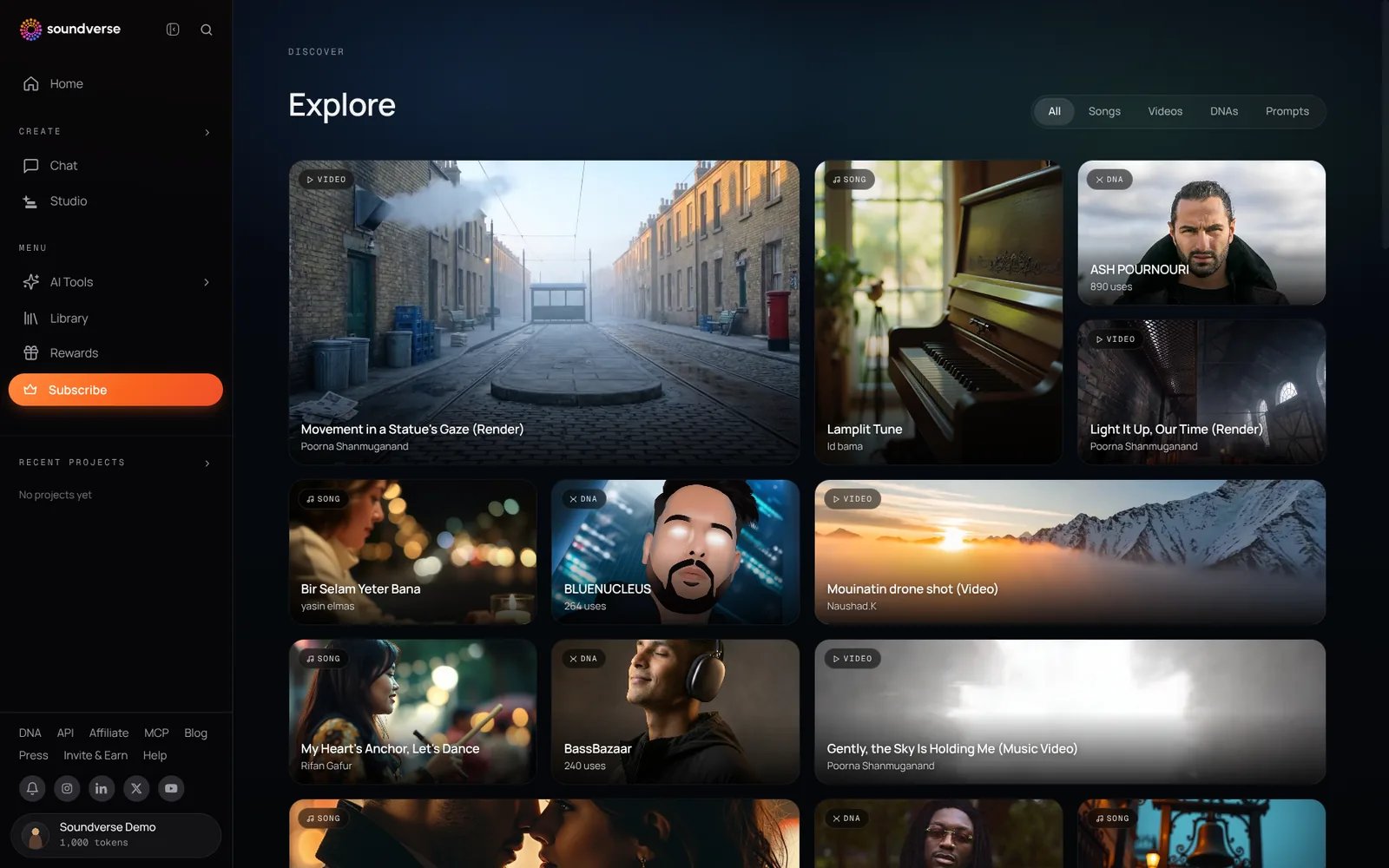
Sparks
Sparks are song ideas for what’s happening now: festivals, events and moments, picked for your country. You’ll find them on Home, under Sparks · trending today; click See all sparks for the rest. Choose a Spark, customize the idea if you like, and create a song from it.Playlists
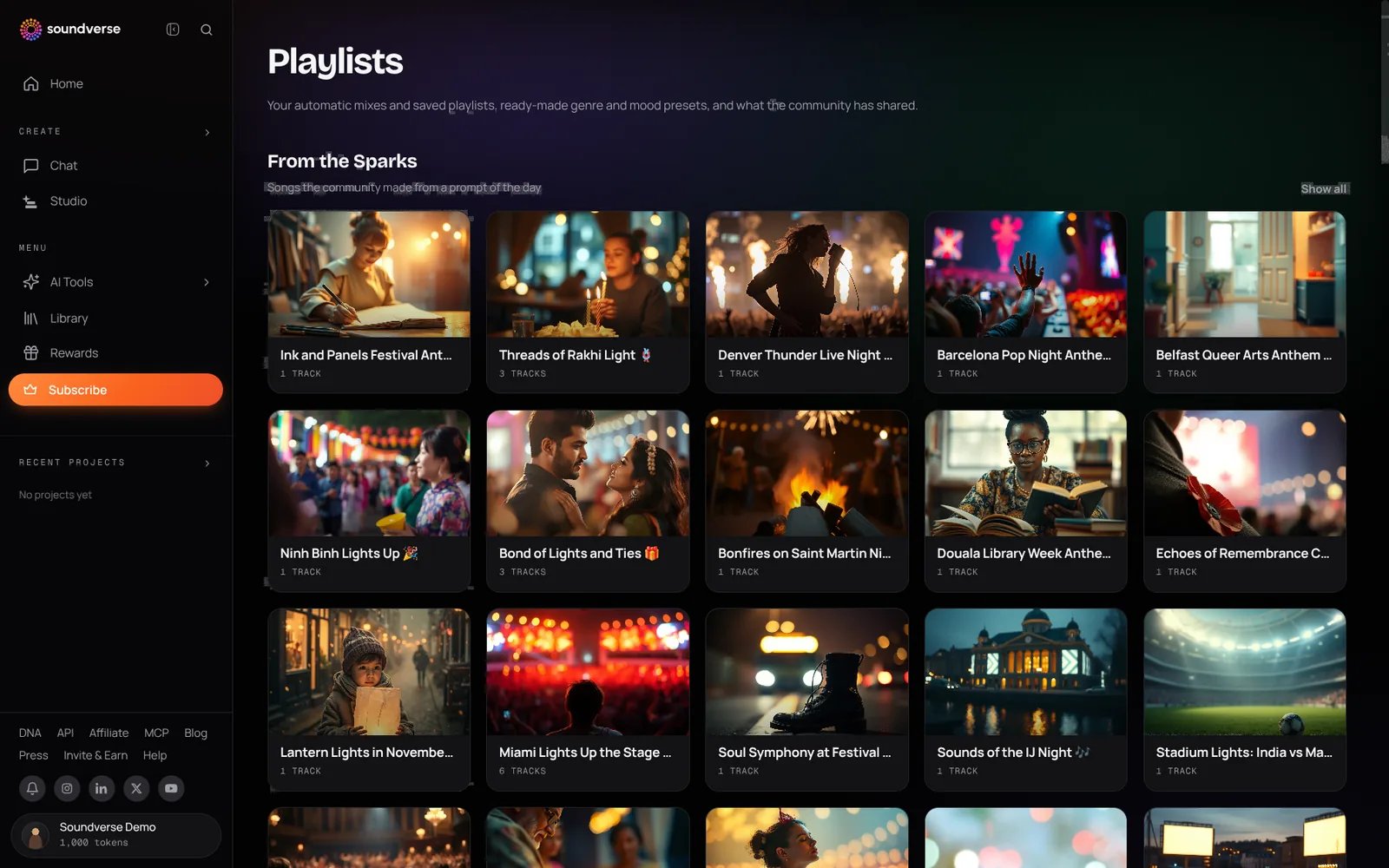
Go to soundverse.ai/playlists for:- Made for you: Recently Played, On Repeat and Made For You, built from what you listen to.
- Created by you: playlists you’ve made.
- From the Sparks: songs the community made from each Spark.
- Ready-made genre and mood playlists, and what the community has shared.