

Start mixing
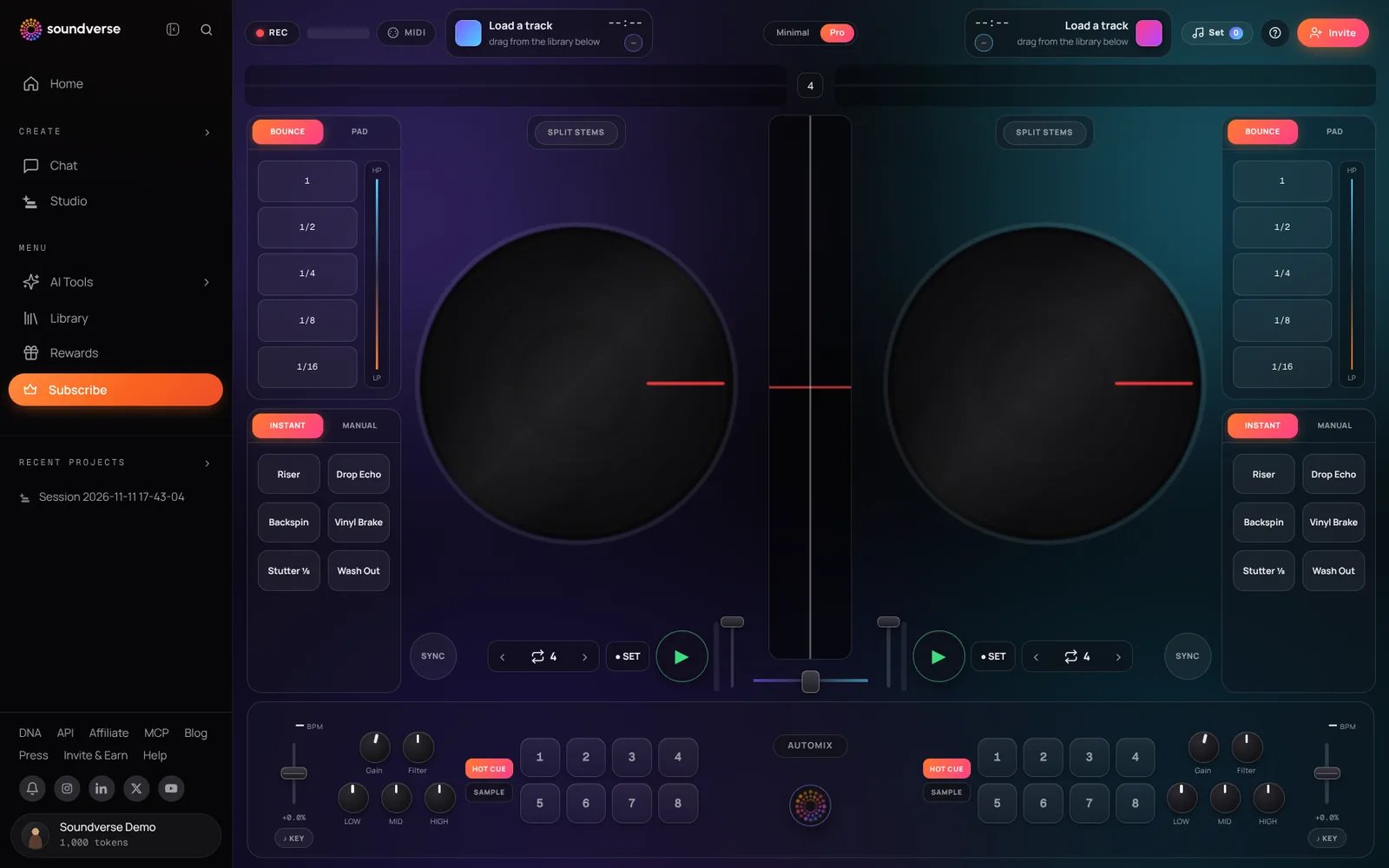
- Click Create in the left sidebar and choose DJ.
- Drag songs from your Library onto Deck A and Deck B, or drop an MP3, WAV, FLAC, M4A or OGG file from your computer onto a deck. Dropped files are added to your Library.
- Press play, use SYNC to match tempos and move the crossfader to blend.